At PET, we currently use two calendars:
-
PET Group Calendar
-
FB0310 Meeting Room
The Group Calendar is used for general announcements, such as shared appointments or planned absences.
The Meeting Room Calendar is for reserving the meeting room. We share this room with another group who also has access to this calendar.
The PET Group Calendar is hosted in Apple iCloud, while the Meeting Room Calendar is on the TU Exchange server ("up2date").
You can set up the calendars as follows:
PET Group Calendar
Please send your Apple ID to the IT team (pet.it@tuwien.ac.at). They will add you to the authorized group.
You will then receive an email invitation to join the calendar.
If you don’t have an Apple ID yet, you can create one even without an Apple device. However, you should provide a phone number that can receive SMS messages for verification.
-
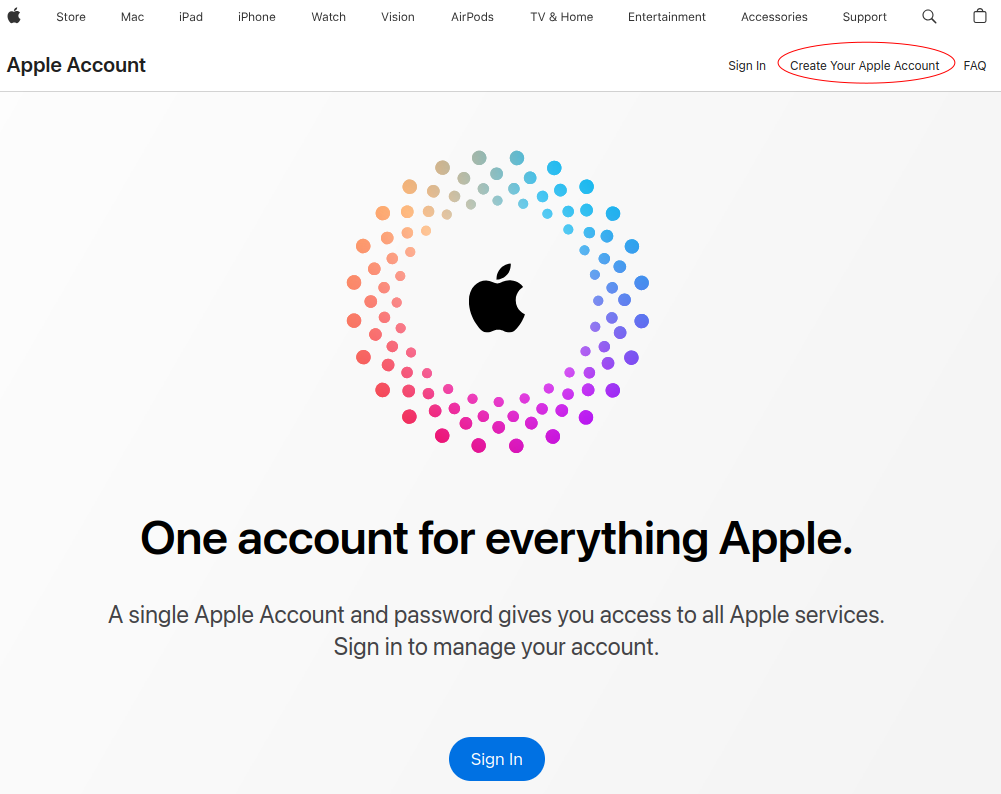
Go to appleid.apple.com.
-
Click Create Your Apple Account.
-
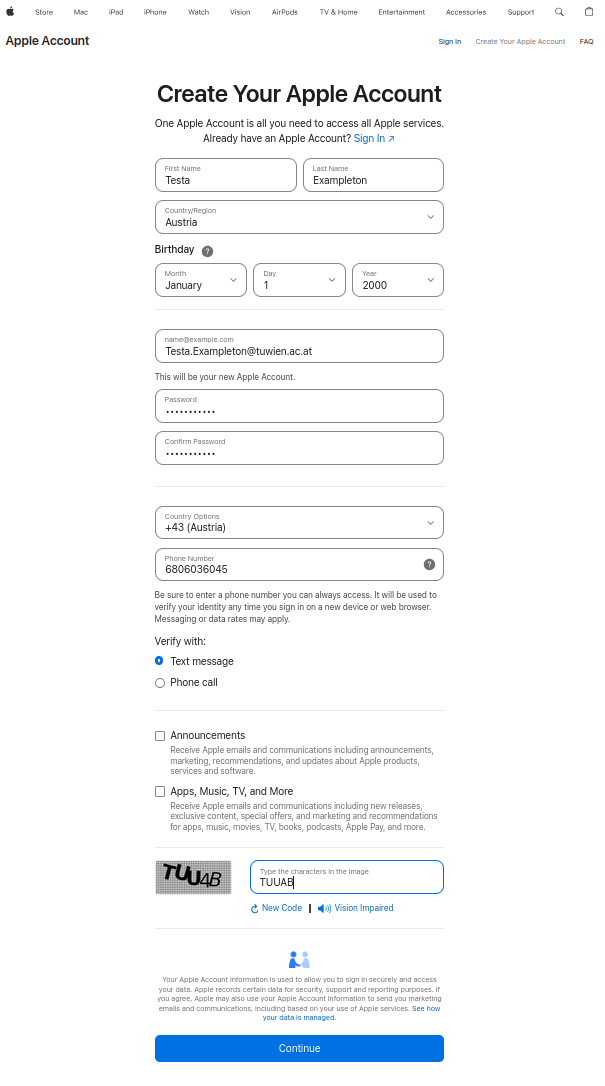
Fill in your name, email address, and a secure password.
-
Follow the instructions to verify your email address and set up security questions.
-
Once completed, you can use this Apple ID to access the PET Group Calendar.
On Apple devices, the calendar typically appears as an iCloud calendar.
Other devices (such as Thunderbird or Android) can connect to the calendar as a network calendar. The URL is:
https://caldav.icloud.com The username is the email address of your Apple ID, and the password is an app-specific password that you need to generate separately.
FB0310 Meeting Room
On Apple devices, you can add the Exchange calendar by going to Settings > Accounts > Add Account and selecting Microsoft Exchange.
Enter your TU credentials (your short account name followed by @intern.tuwien.ac.at as the username, and your up2date password), then follow the prompts. When asked which data you want to sync, make sure to enable Calendars so the meeting room calendar will appear in your calendar app as delegated calendar.